心得記錄

Hugo安裝 & 啟動
HUGO
The world’s fastest framework for building websites
有許多靜態網頁模版供你使用
安裝hugo-Mac
/bin/bash -c "$(curl -fsSL https://raw.githubusercontent.com/Homebrew/install/master/install.sh)"
- 安裝hugo
brew install hugo
- hugo 版本 查看hugo是否安裝好,可以使用hugo version 查看版本
hugo version

下載hugo themes
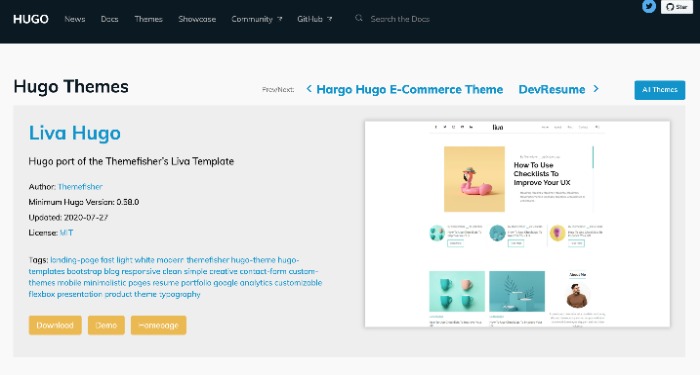
選擇其中一個主題(樣式)
點選Download
點擊Clone -> Download ZIP
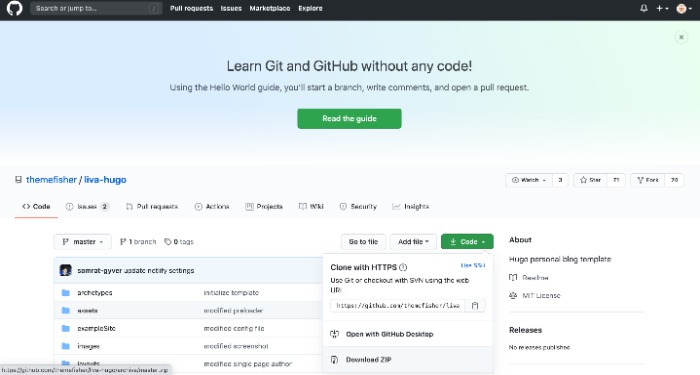
解壓縮檔案 將資料夾內exampleSite放置你要的地方
開啟 exampleSite -> 新增themes資料夾
將下載後的解壓縮的資料夾放入themes並將-master從檔名刪除
啟動hugo
進到exampleSite
例如我將檔案放在裝桌面
cd Desktop/exampleSite
啟動hugo
hugo server
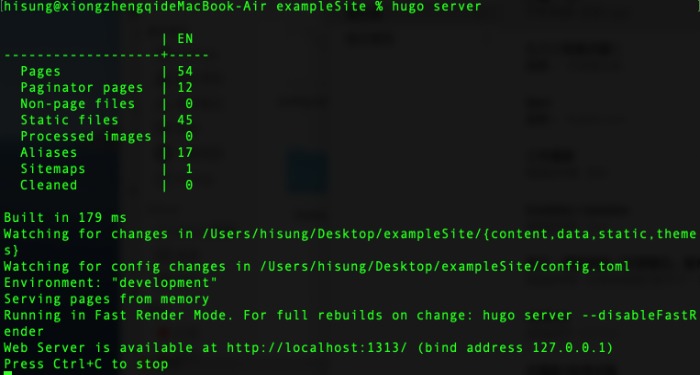
之後在Google / Safari 網址中輸入 http://localhost:1313/ 就會出現了~